Free on Android · No ads or analytics
Turret:
Clockwork Skies
Man the Cannon, switch to the Repeater, and face the clockwork flagship. A visible turret, changing skies, and a fresh Daily Siege keep every run moving.
Update 1.3 is submitted to Google Play. Availability follows Google's review.
Gyro, touch, or hybrid · Portrait or landscape
See it in action
Your turret. Their flagship.
Game overview
Aim. Fire. Try again.
Choose precision Cannon shots or rapid Repeater fire. Manage shared heat, earn medals, and beat your best. Scores and run history stay on your device.
Aim, fire, survive, retry
Choose motion aiming, touch aiming, or combine both in Hybrid mode. Fire into advancing aircraft, collect power-ups, and keep improving as enemy pressure climbs.
- Gyroscope, Touch, and Hybrid aim modes.
- Power-ups, shared heat, streaks, and a daily challenge.
- Local personal bests, medal goals, run history, and fast retries.
Turret on Android
Gameplay screenshots
The 1.3 update in play
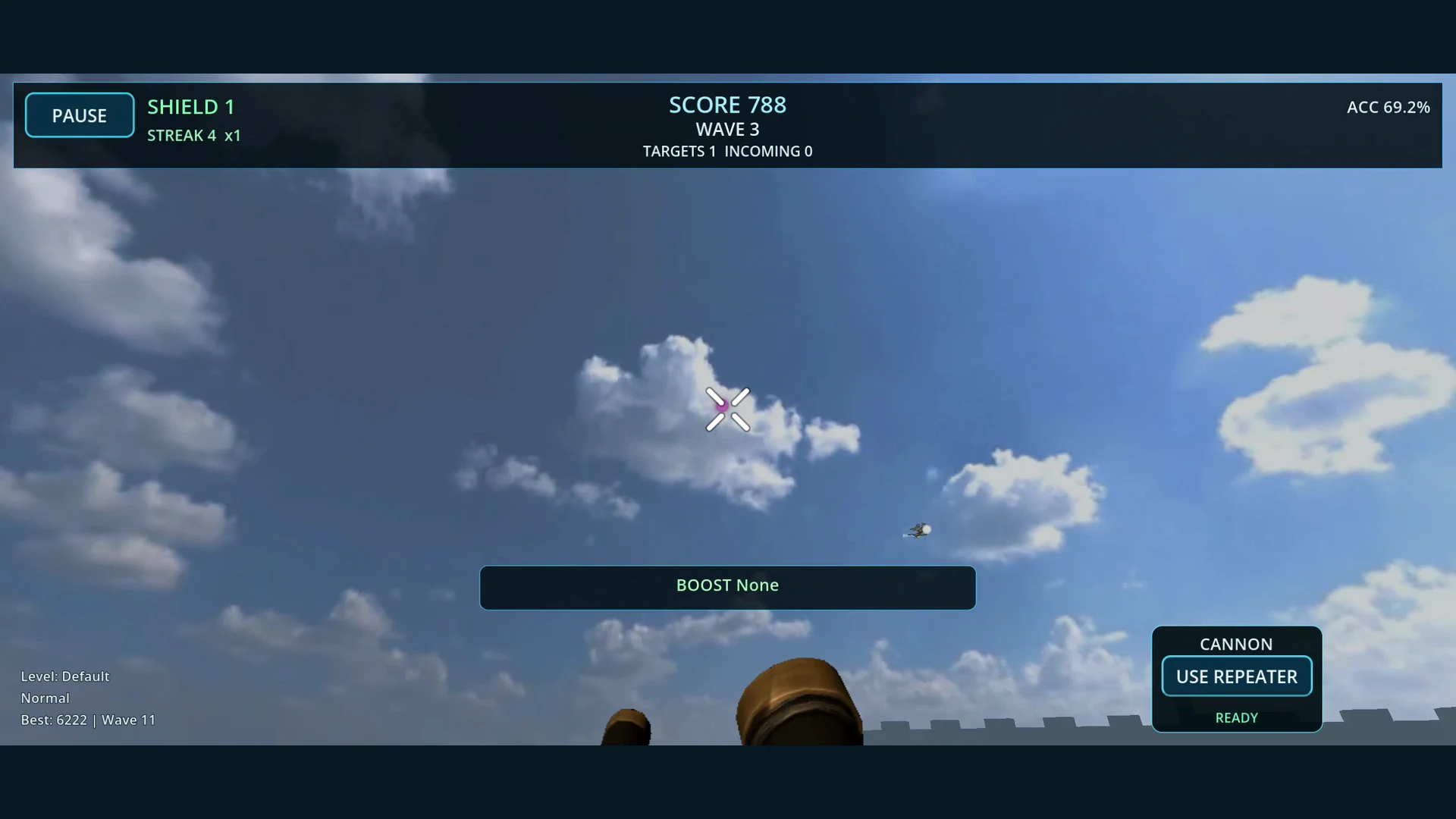
Actual phone gameplay, with a visible cockpit, the new flagship, and both screen orientations.
Line up precision shots from the visible turret.
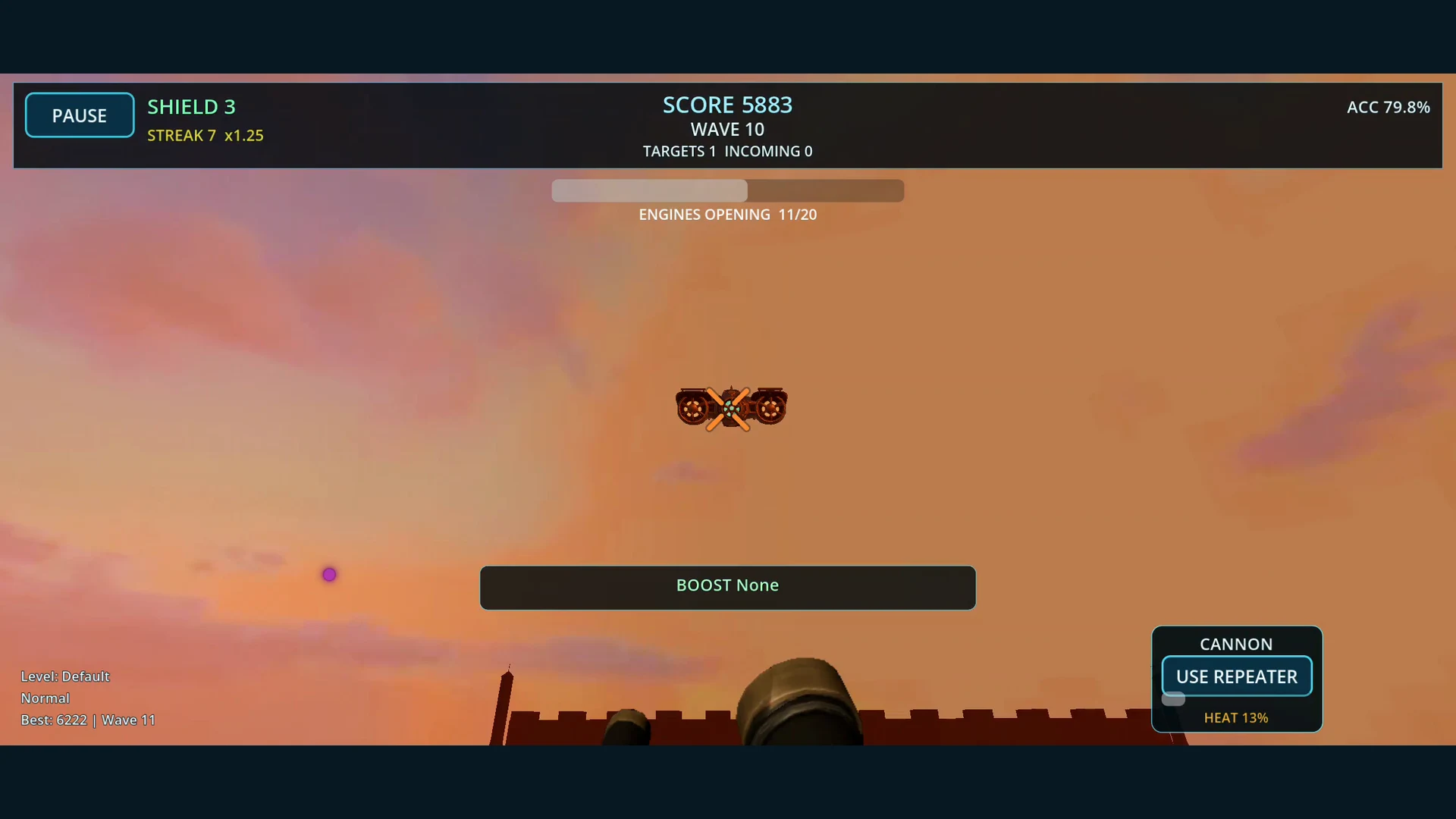 Wait for the engine shields, then expose the flagship core.
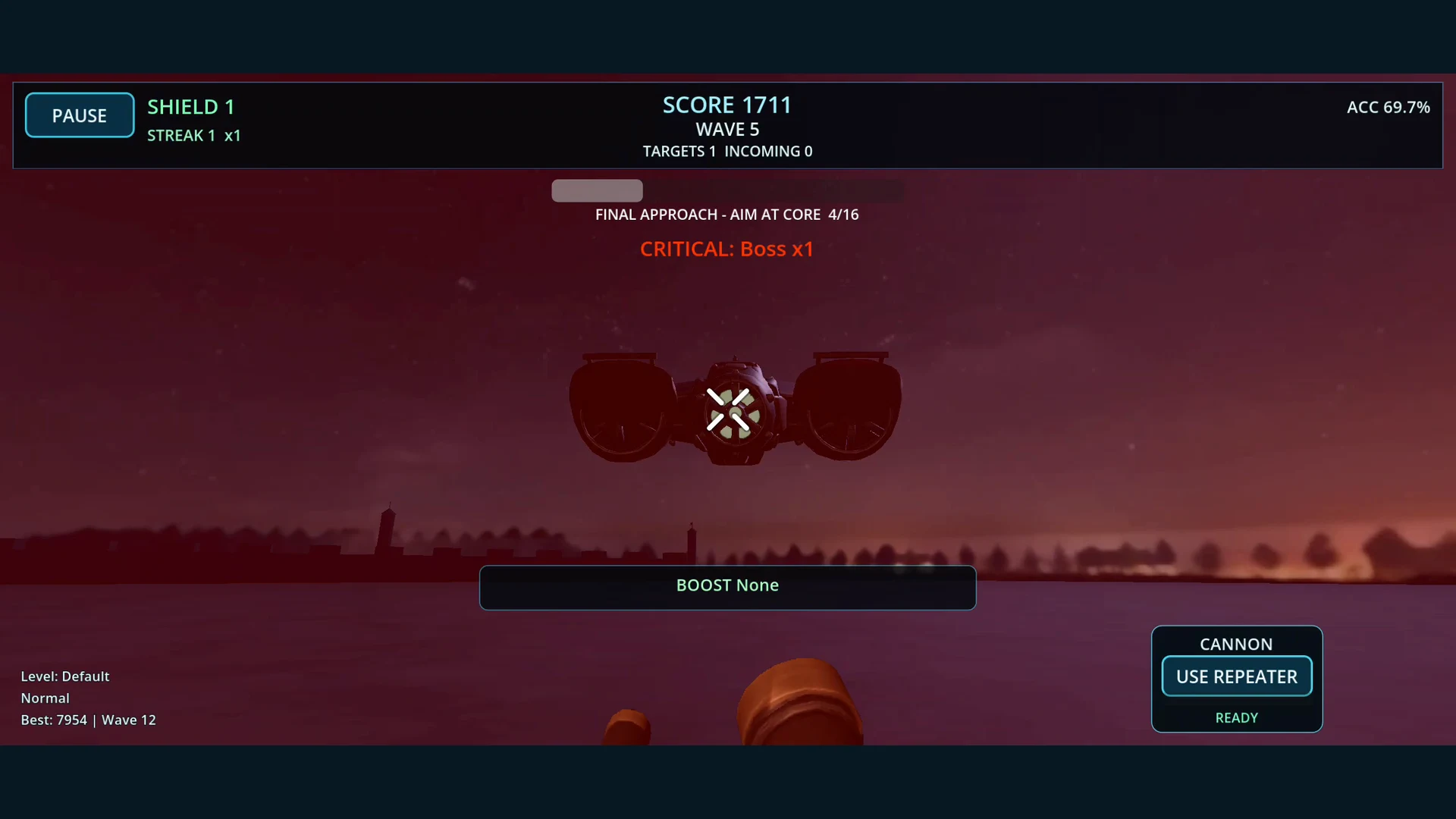 Hold your nerve as the flagship closes in at night.
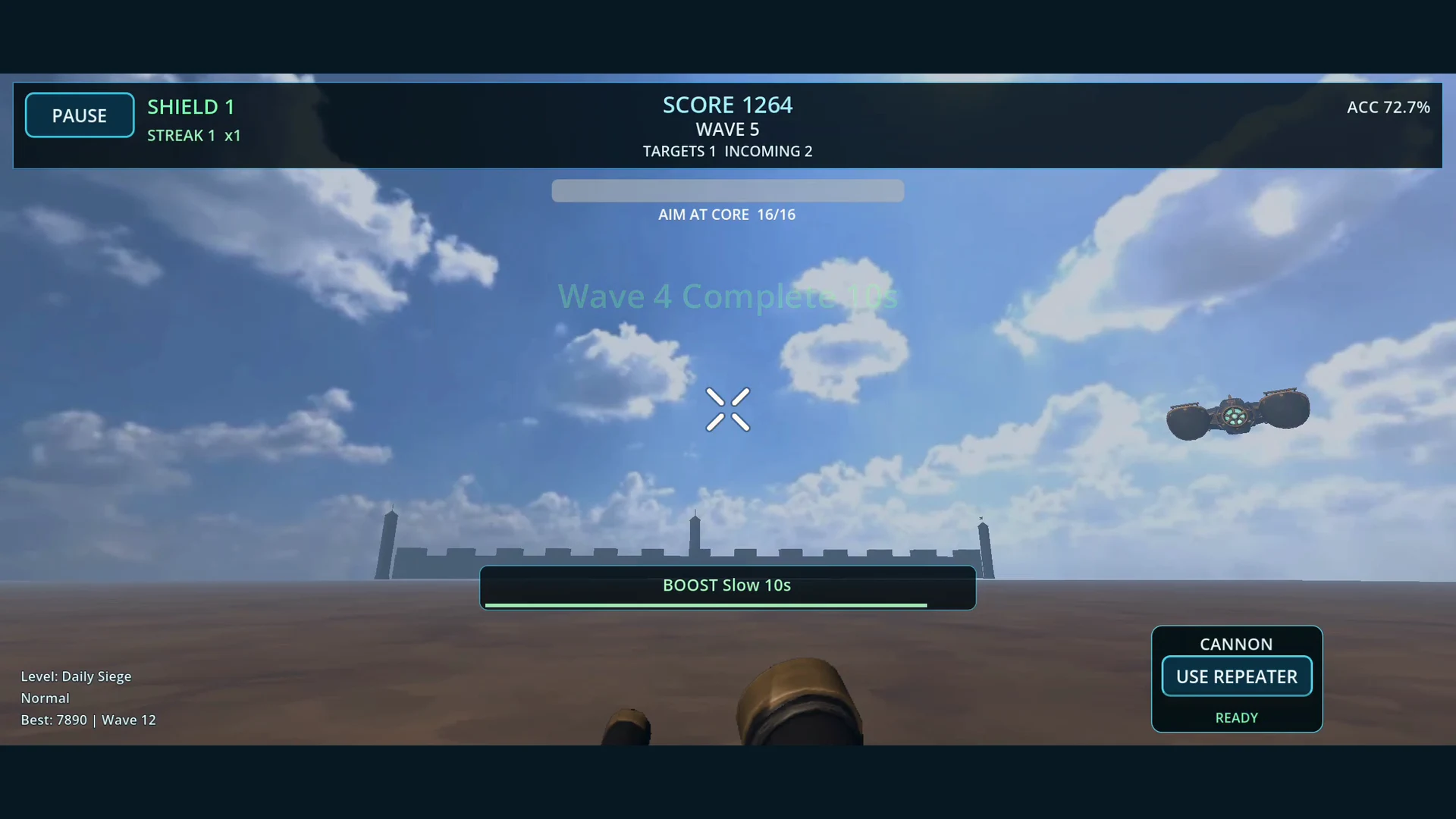 Return for a fresh Daily Siege and chase a better run.
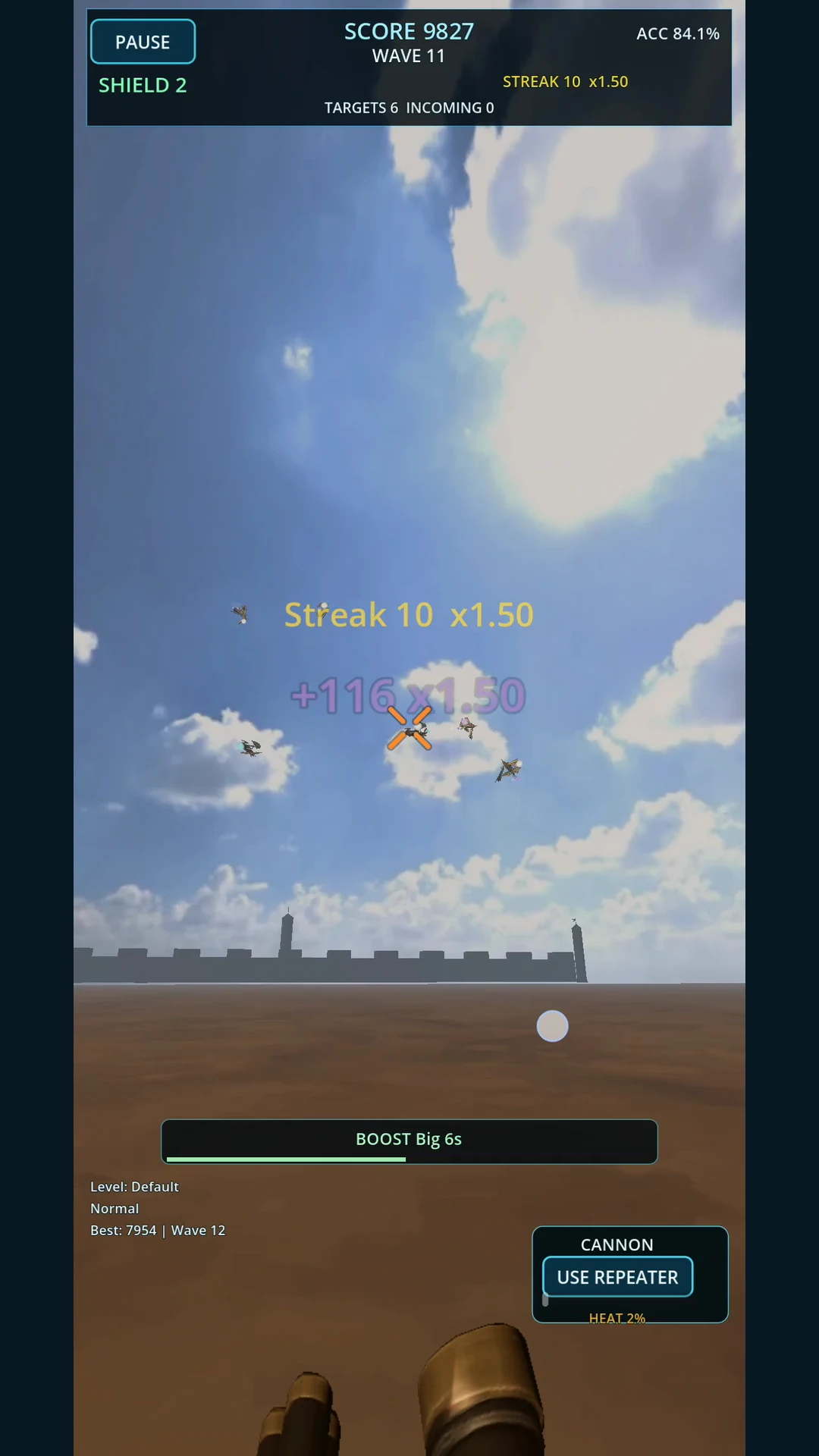 Play in portrait and build your streak.
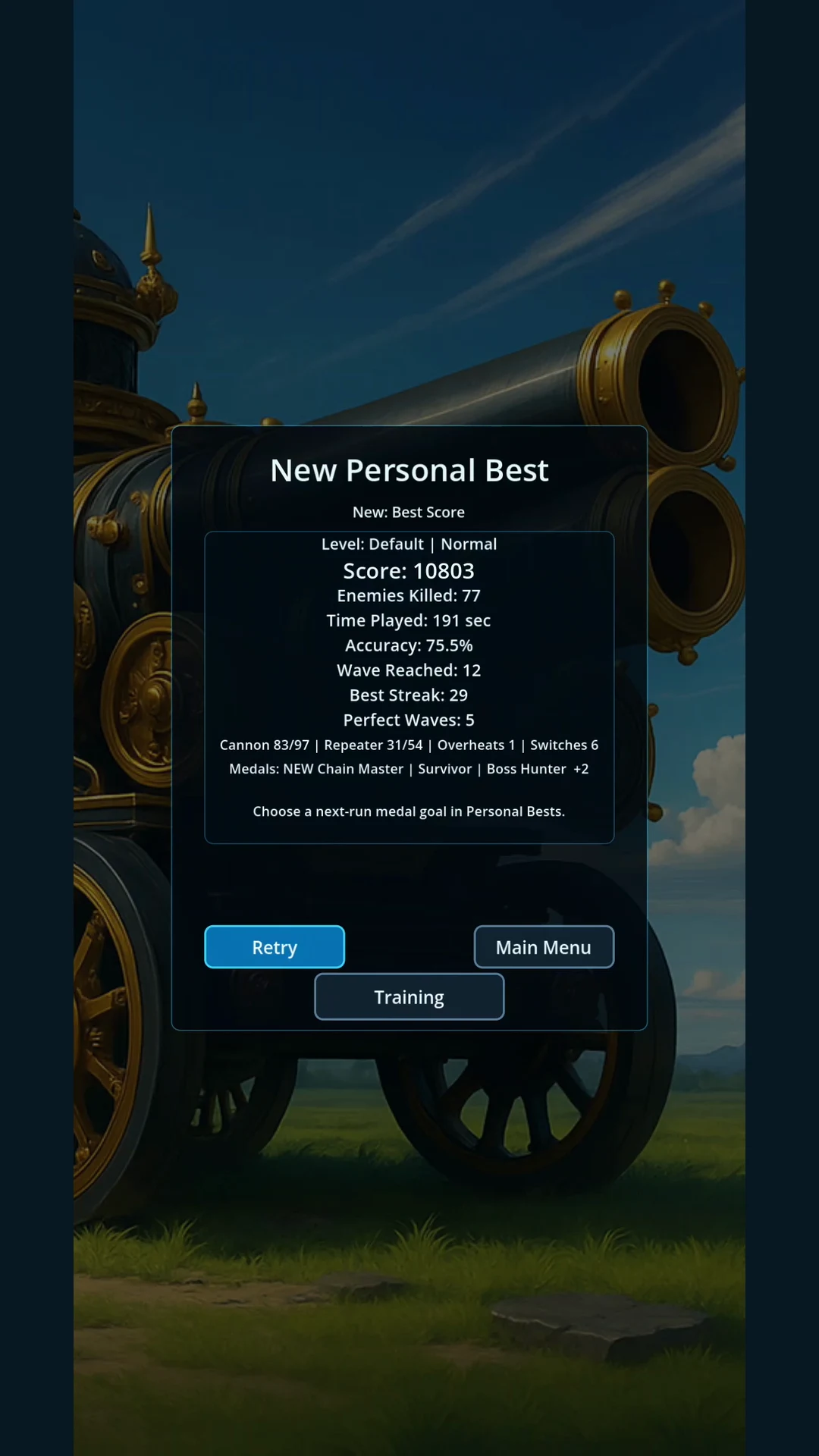 Track personal bests, run history, and medal goals.
Available on Google Play
Clockwork Skies
The 1.3 update puts the turret on screen and introduces a new flagship with opening engine shields and a vulnerable core. Keep the Cannon and Repeater ready, pursue medal goals, and return for Daily Siege.
Common questions
- Does Turret send my data anywhere? No. Player names, scores, and run history stay on your device; Turret has no ads or analytics.
- How can I aim? Choose Gyroscope, Touch, or Hybrid aiming.
- Can I play in portrait? Yes. The HUD reflows automatically, and rotation safely recenters the view before play resumes.
- What are levels? Saved rulesets with their own score targets.
Questions or bug reports
For support, include your Android device, what happened, and what you expected. Screenshots are useful when the issue is visual.