
No account required
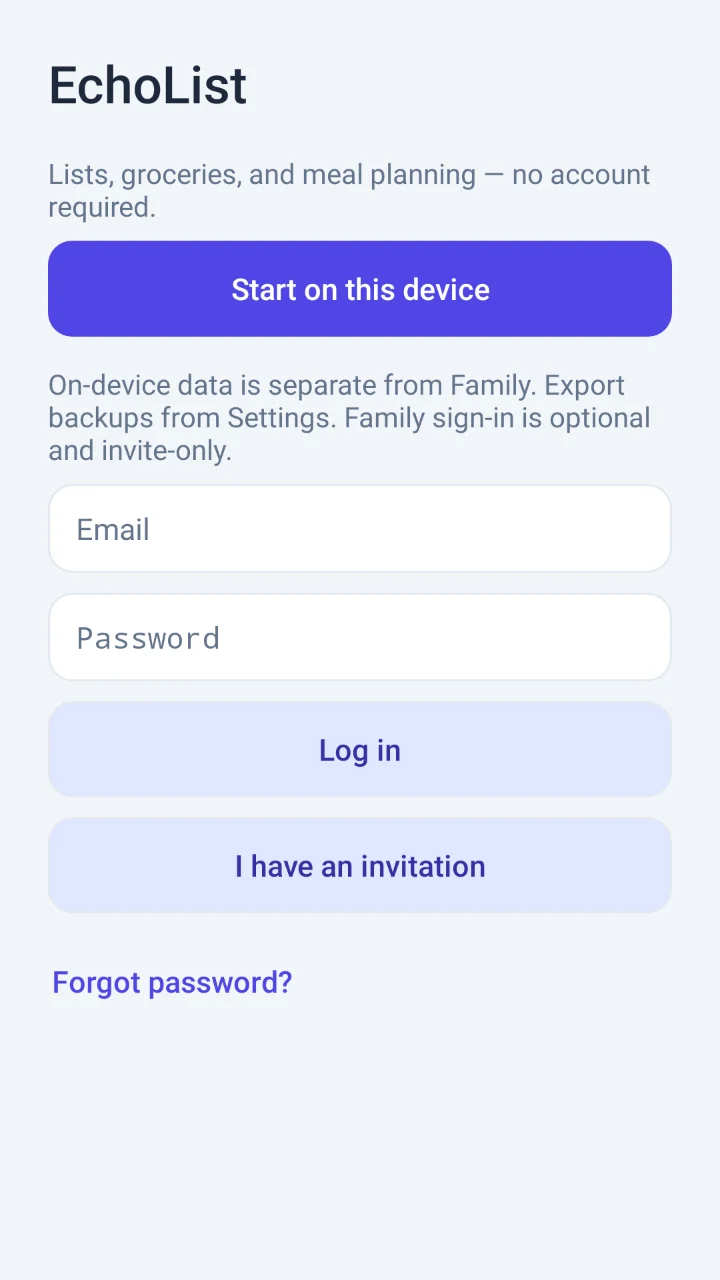
Start on your phone and keep using your lists offline. Everything you create stays on your device until you choose otherwise.
Android App · Coming to Google Play
Lists, groceries, and meal planning — no account required.
Keep everyday plans together with EchoList. Start on your Android device without creating an account, and use your local lists even when offline.
Android 8.0 or later · Nothing to buy in this release
Everyday organization
Start on your phone and keep using your lists offline. Everything you create stays on your device until you choose otherwise.
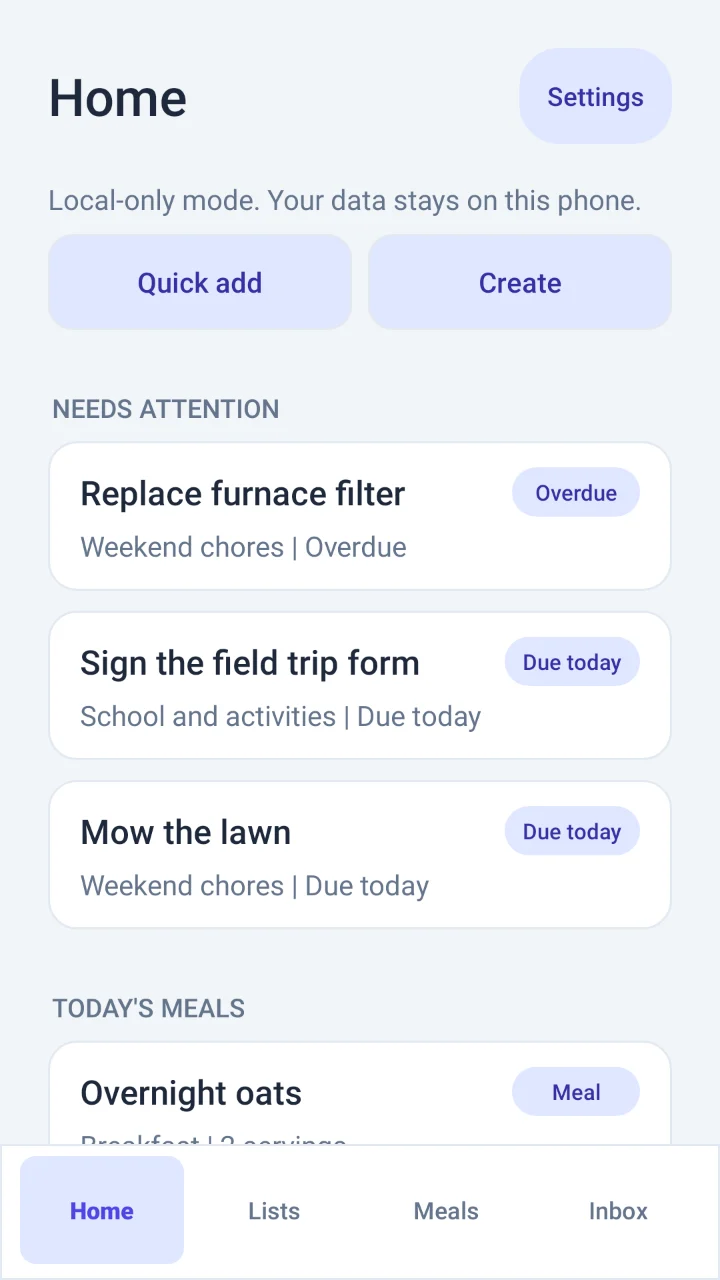
Tasks that need attention and today's meals, together. Home shows what is overdue, what is due today and what's for dinner.
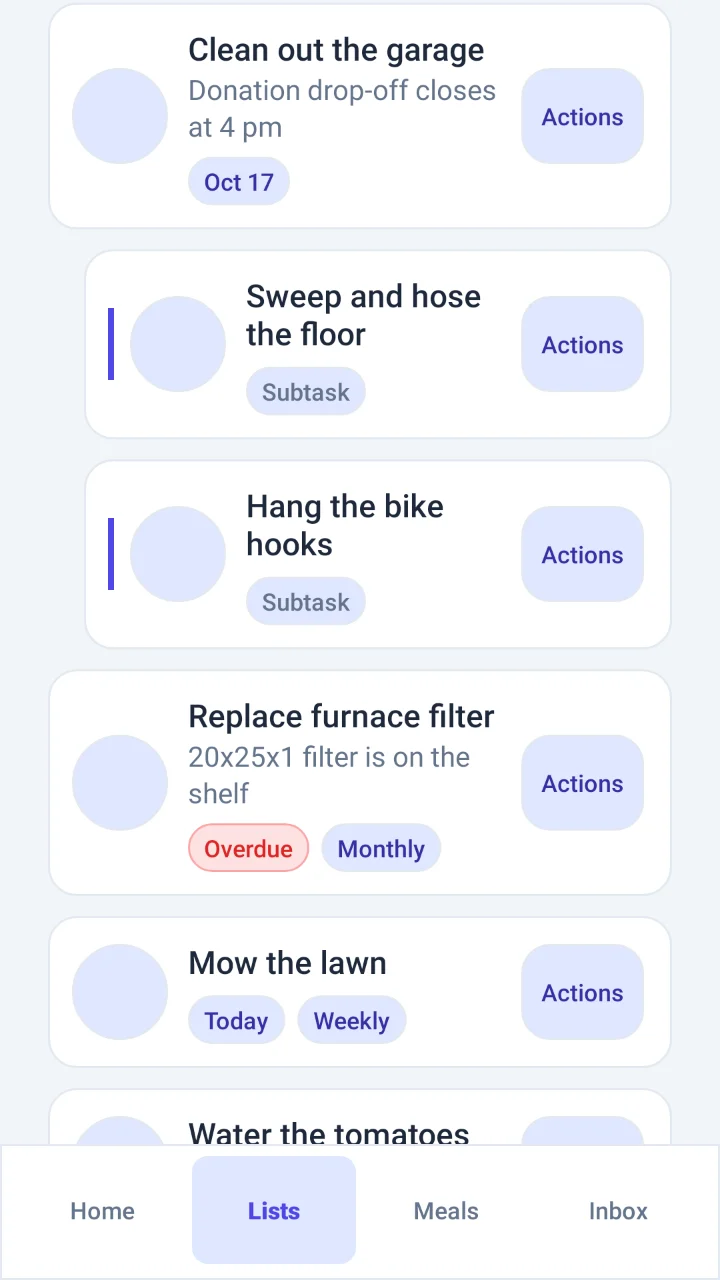
Break big jobs into steps and repeat routine ones. Tasks take due dates, daily, weekly or monthly repeats, and notes.
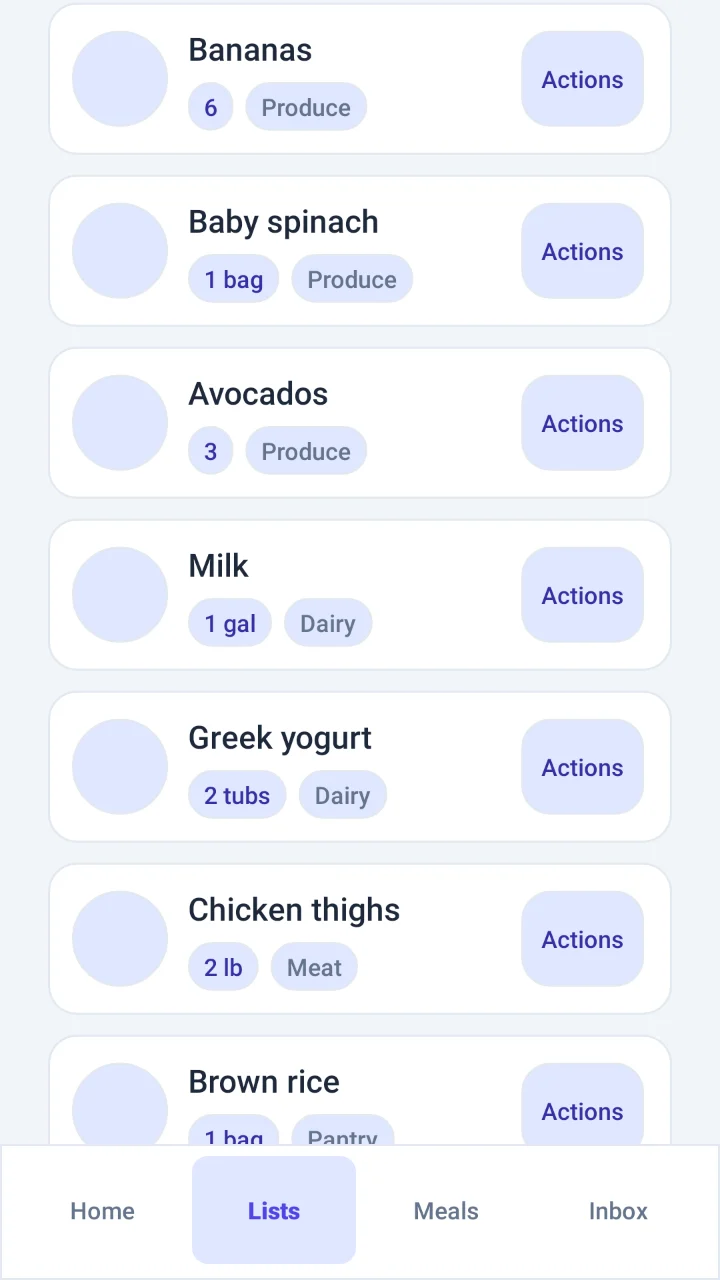
Quantities, units and store sections on every item.
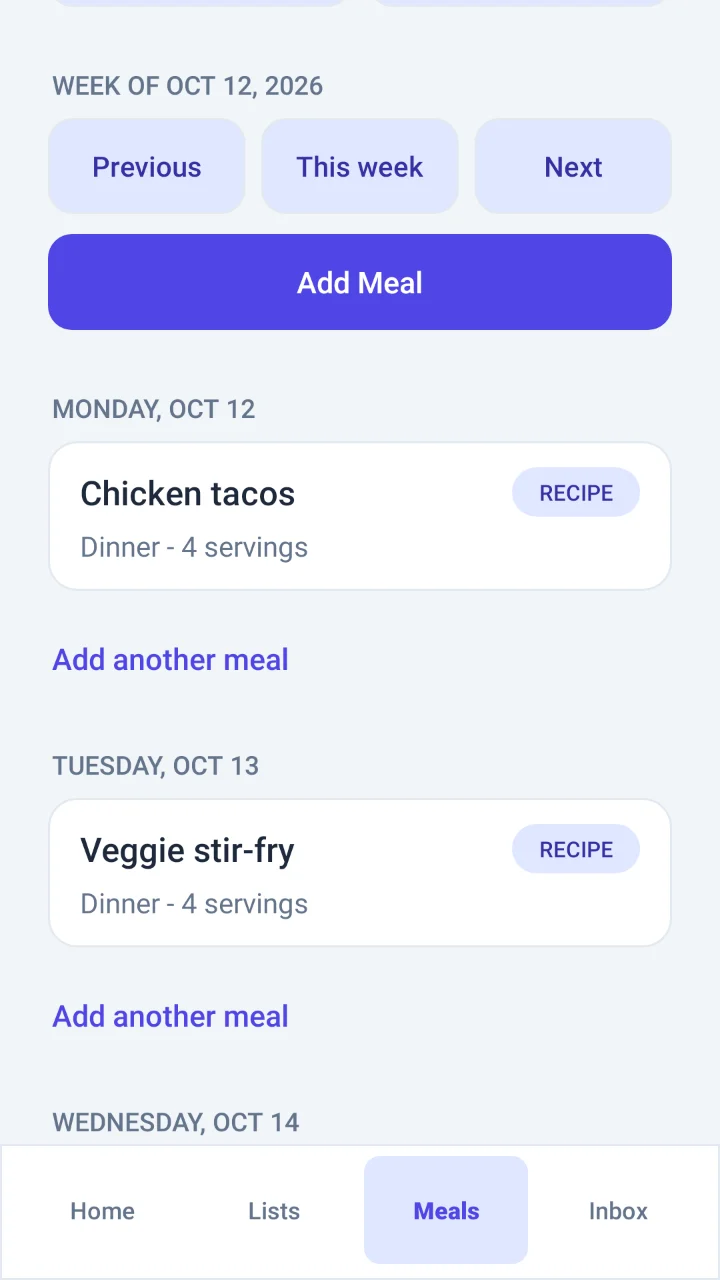
Pick a recipe or jot down a meal for any day.
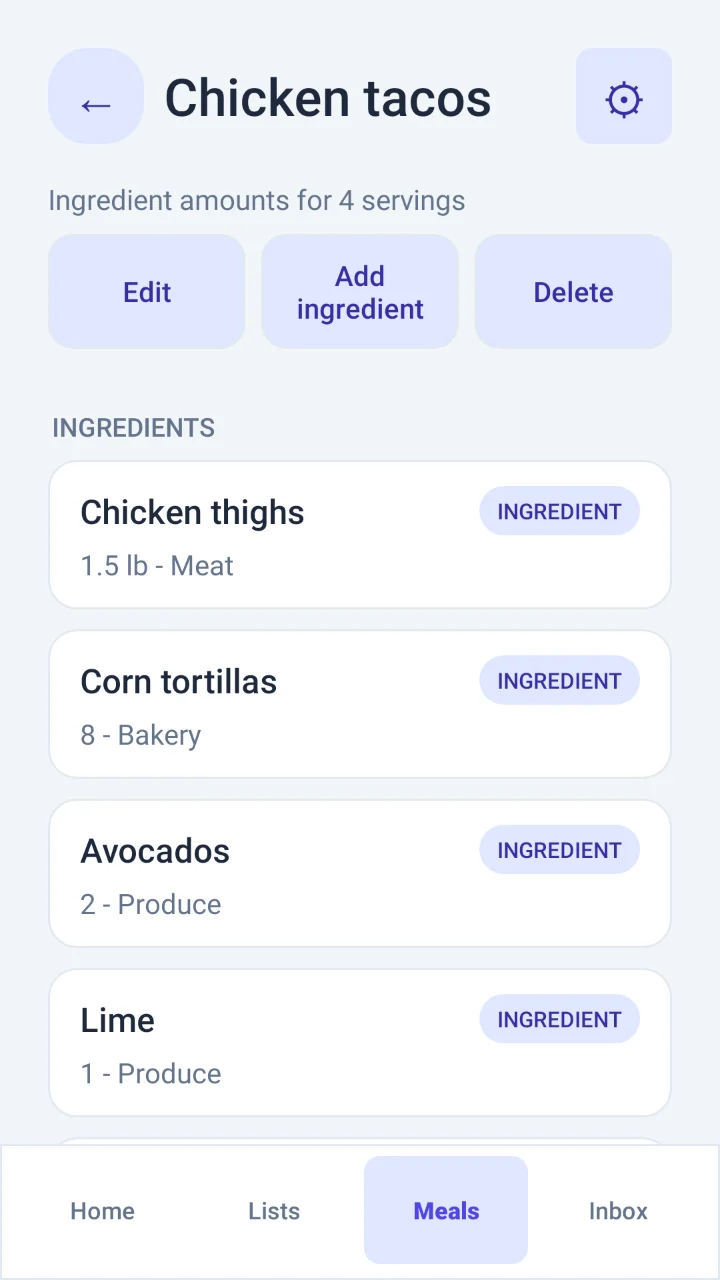
Keep ingredients and servings with each recipe.
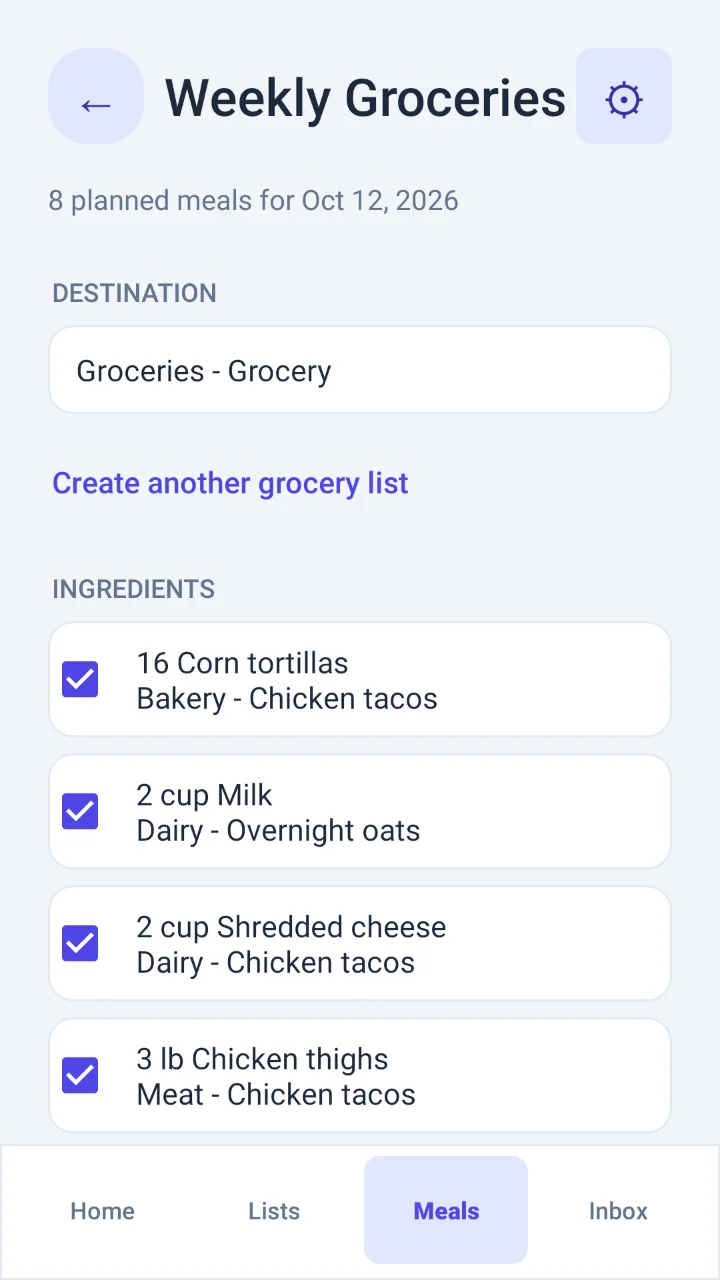
Generate a grocery list from the week's recipes. Amounts are combined across meals, and you choose which ingredients to add.
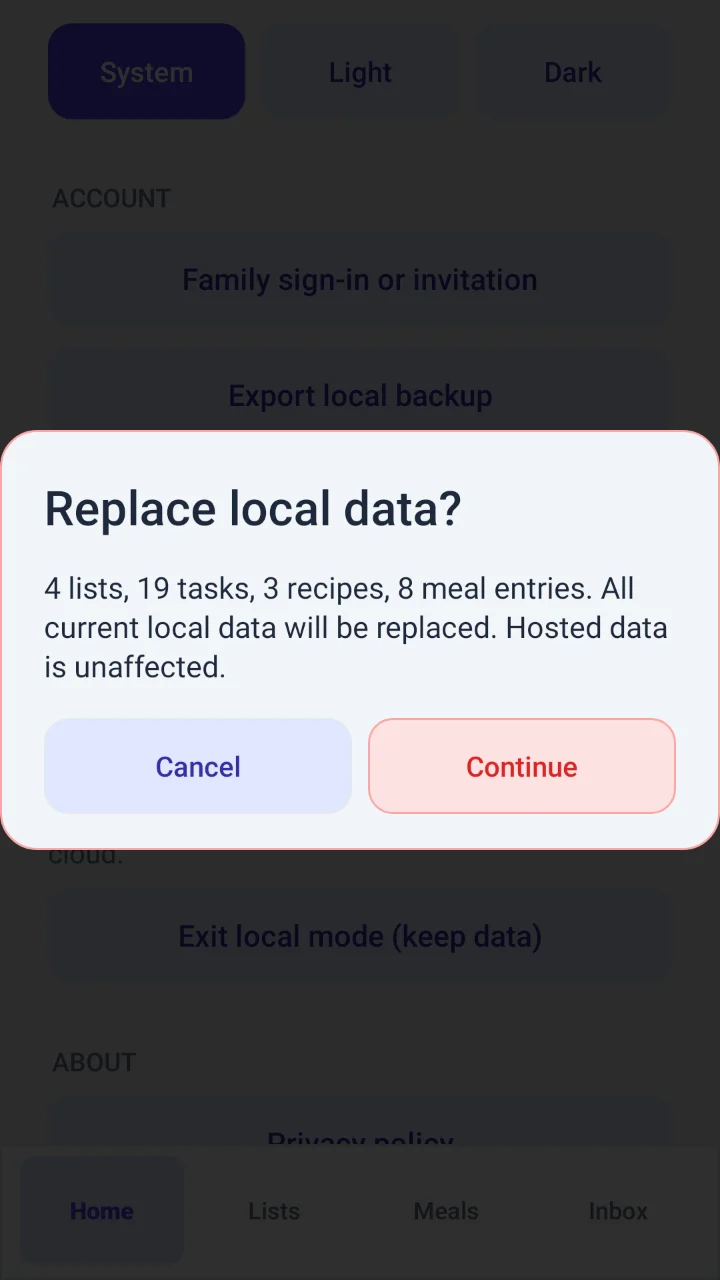
Export to a file you choose. Restore previews it first.
Built for daily convenience: A home-screen widget shows a pinned list, and Dark, Light, or System appearance can be chosen in Settings.
Privacy & companion options
Optional EchoList Family is currently an invitation-only preview for sharing and cross-device access. EchoList Family (invitation-only) requires an invited account and active access.
Signing in does not automatically upload local data. You can explicitly copy standard and grocery lists to EchoList Family (invitation-only preview) while keeping local originals. Local recipes and meal plans are not included in that copy.
EchoList for Windows is a hosted EchoList Family (invitation-only) companion with a pinned-list view and view-only meals. It does not provide local Android synchronization or recipe editing.
The 64-bit Windows companion requires an invited EchoList Family (invitation-only) account and a network connection; the self-contained build needs no separate .NET install.
Capabilities at a glance
| Capability | Android, no account | Android with Family (invitation-only preview) | Windows (invitation-only Family) |
|---|---|---|---|
| Lists, subtasks, due dates, repeats, groceries | Yes, works offline | Yes | Yes |
| Recipes, meal planning, groceries from meals | Yes | Yes | View meals only |
| Backup to a file and restore | Yes | No | No |
| Share lists and use them on several devices | No | Yes, with an invited account | Yes, with an invited account |
FAQ
No. Choose "Start on this device" and everything stays on your phone.
Lists kept on your phone work fully offline.
Sharing is part of EchoList Family, which is an invitation-only preview for now.
In Settings, choose Export local backup and save the file somewhere you control. Restore shows what the file holds before replacing anything.
Yes, as a companion for invitation-only Family accounts. It works with your invitation-only Family lists, has a pinned-list view and shows the week's meals. It does not edit recipes or meal plans.
Signed in to EchoList Family (invitation-only preview), use Settings > Delete account. For lists kept only on your phone, use Settings > Delete local data. For questions or data requests, email brian@echorithm.com.
EchoList is free, with no ads and nothing to buy.
EchoList by Echorithm
Free for Android (8.0 or later), with no ads and no account required for on-device lists and meal planning.